Shivani
September 1, 2026
Workspaces and Computer Controls: NonBioS for Portfolio Hackers
Two shipped features: multiple workspaces, one per project - and a real power switch for your computer.


Two shipped features: multiple workspaces, one per project - and a real power switch for your computer.
Author:
Published:
Updated:
There's a type of user we've watched emerge over the last few months, and they've quietly become our most voracious.
They're not building a SaaS. They're building four.
They already know how to build, or they were entrepreneurs who always wanted to. AI removed the bottleneck. They have a handle on distribution - a newsletter, a niche community, a cold email motion, an audience somewhere, or they are figuring it out. And they understand something intuitively that most first-time founders learn the hard way: most products don't work. So instead of betting eighteen months on one idea, they ship three or four, put them in front of real users, and let traction decide.
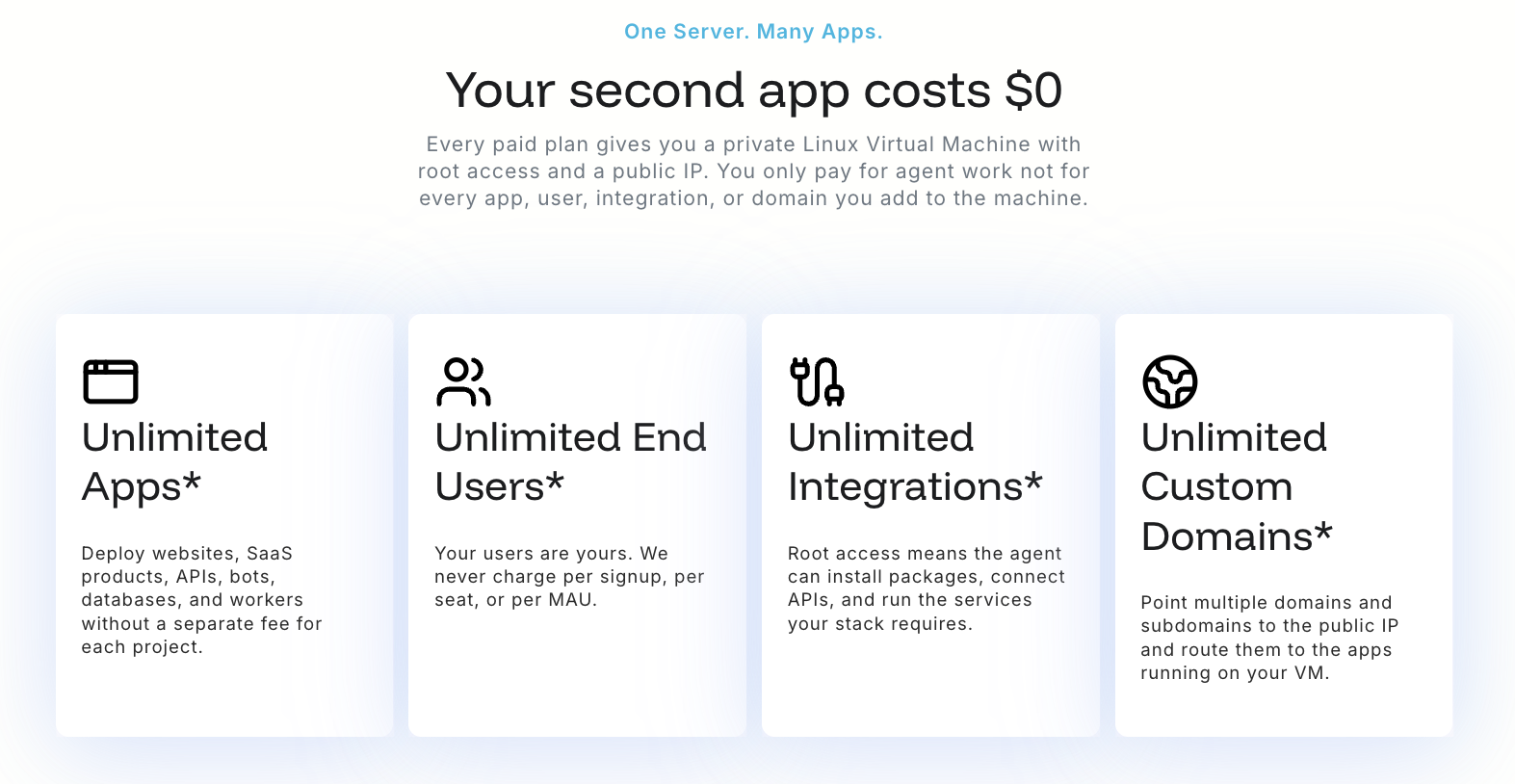
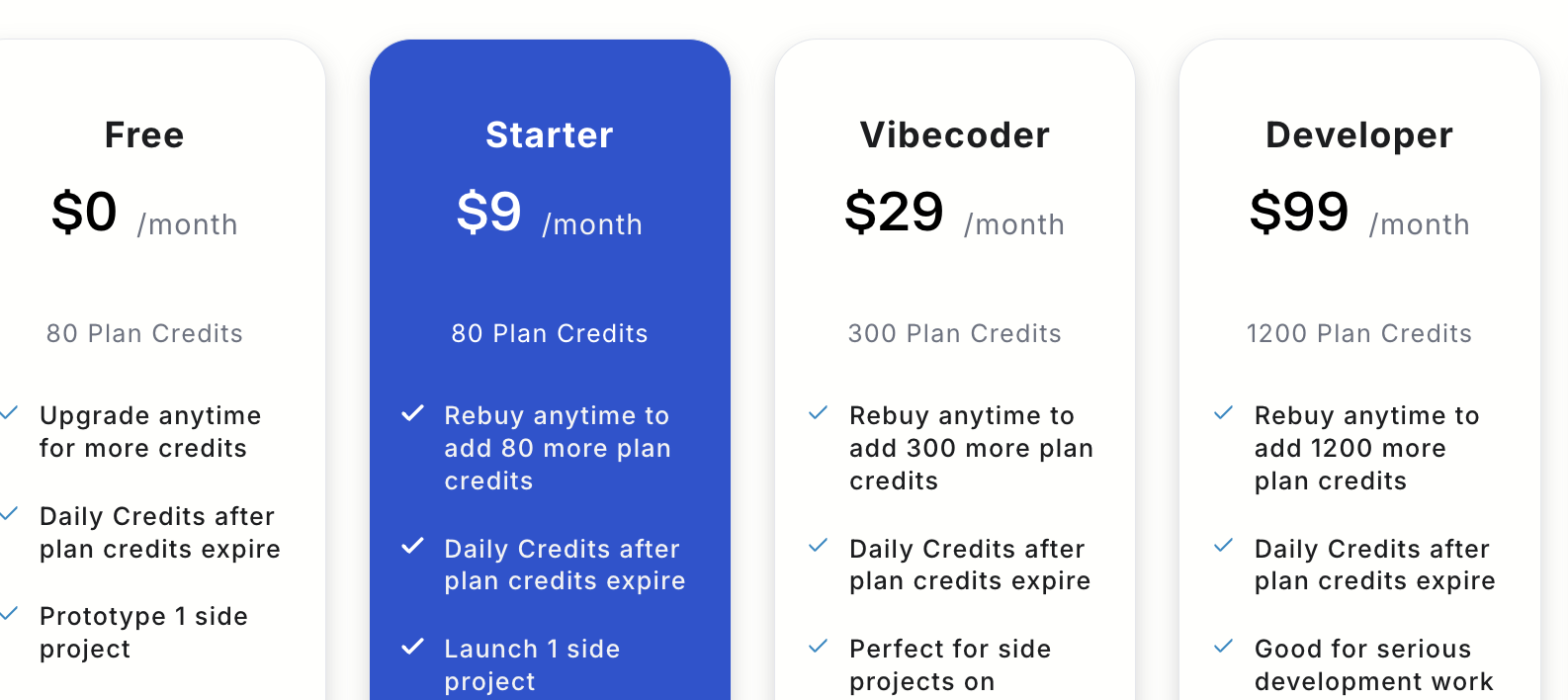
We call them Portfolio Hackers. NonBioS turned out to be an almost unfair fit for them: a $9 plan is a 4GB/2 vCPU machine with a public IP and MySQL already running. That's enough to launch a real SaaS and keep it live for months while the market makes up its mind. No AWS bill. No Vercel. No DevOps afternoon.
But the product wasn't built for that shape of work yet. Today's two features fix that.
Until now, every account had exactly one workspace. Every chat you'd ever started lived in one long list.
If you're building one thing, that's fine. If you're building four, it's a mess. The database migration conversation for your invoicing tool sits three chats below the nginx debugging session for your job board, which sits above the landing page copy chat for a product you killed in February. You spend real cognitive effort just finding your own context.
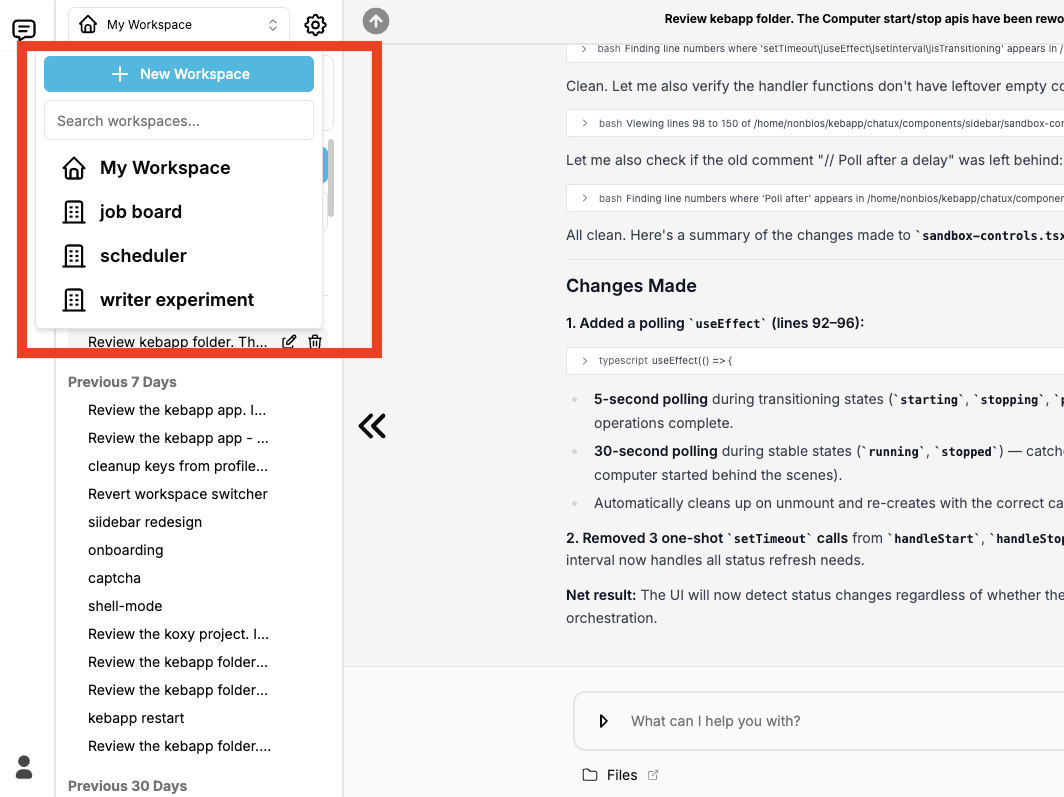
Now you can create multiple workspaces, and each one holds a single project.
This is a small feature to describe and a large one to feel. It's the difference between one drawer with everything in it and four labelled drawers.
Each workspace has a computer
Every workspace is associated with a computer. Right now, that's the default VM provisioned for your account - so all your workspaces point at the same machine, and your projects live side by side on it in different directories. That works well: a 4GB machine hosts several small apps comfortably.
But the architecture is deliberate, and it's pointing somewhere.
Coming soon: multiple computers per account. Once that lands, a workspace isn't just a folder for chats - it's a fully isolated environment. Your production job board on one machine, your experimental AI toy that you're about to break on purpose on another. Blast radius of zero.
On the horizon: BYOC - Bring Your Own Computer. Spin up a VM at Linode, DigitalOcean, Hetzner, wherever you already have credits or an existing box. Link it to a NonBioS workspace. Then let the NonBioS agent operate on it surgically - real shell, real root, every command visible and auditable, exactly as it does on our machines. Your infrastructure, your provider, your bill, our agent.
We've said from the start that we don't lock you in because we don't need to. BYOC is that sentence turned into a feature.
Your VM used to be entirely NonBioS's business. It came up, it stayed up, and you never thought about it.
Now there's a switch. You can stop your computer and start it back up, directly, whenever you want.
This came straight from our heaviest users - the ones running multiple accounts, deliberately: some computers dedicated to development, others dedicated to hosting things that need to stay reachable. Their ask was simple and completely reasonable: let me turn off the machines I'm not using right now.
So:
If you run dev and hosting separately. Shut down the development machine when you step away from that project. Bring it back when you're ready to work on it again. Nothing is running that doesn't need to be running.
If you're on the free plan. Use it to start your computer and let it warm up before you give the agent work. Boot it, let services come up, then open a chat and start building - instead of spending the first moments of your session waiting on a cold machine.
If you're a Portfolio Hacker. This is the other half of the workspace story. Workspaces gave you separation of context. Start/stop gives you control over state. Between them, running four projects stops feeling like running four projects out of one inbox.
Every action stays visible and reversible. It's a power switch, not a trapdoor.
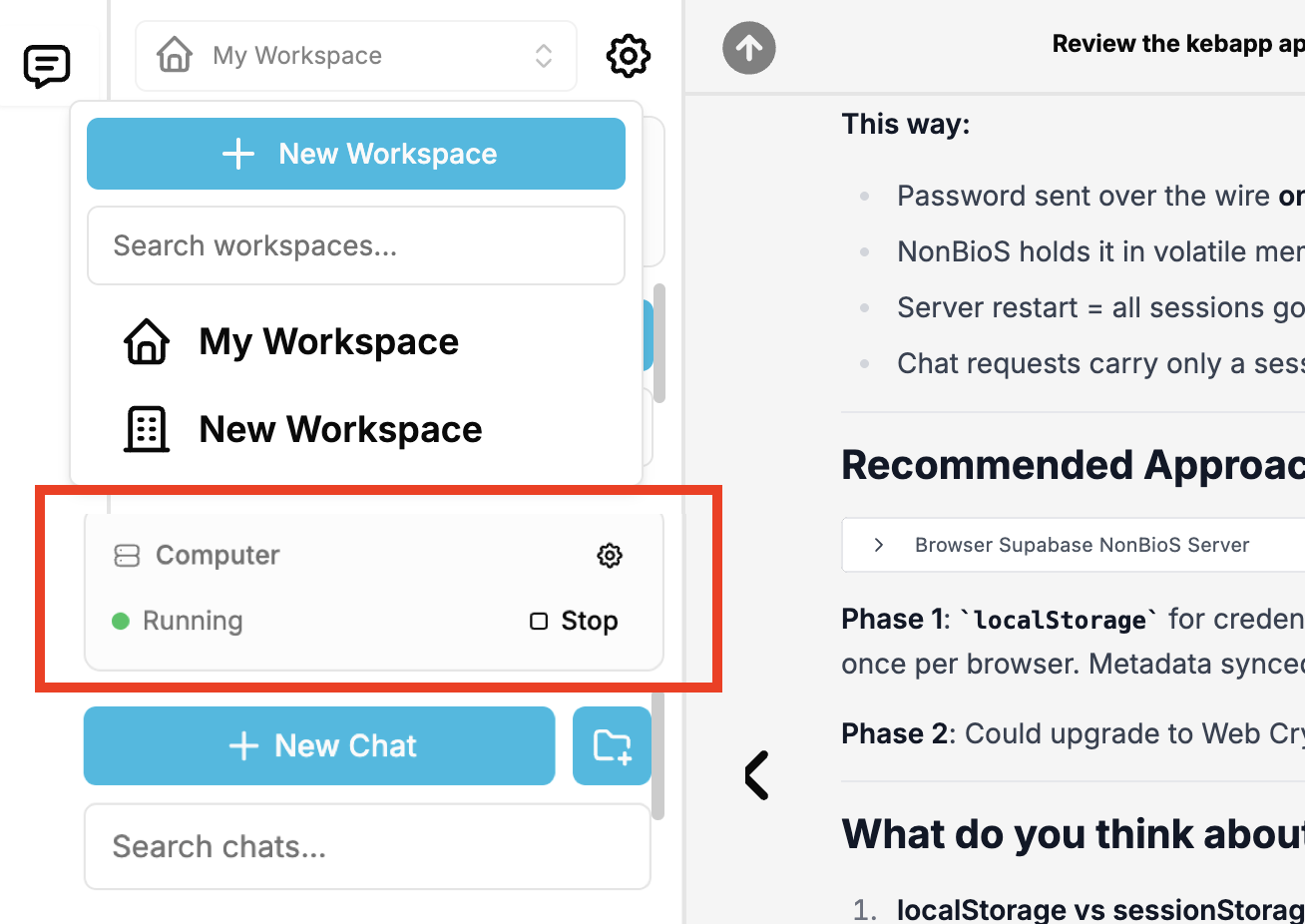
When you stop a computer, its public IP is released back into the pool. When you start it again, you get a new IP.
For a development machine, this doesn't matter at all - stop it, start it, keep building.
For anything live, it does. If you have a domain pointed at that machine, or a webhook registered with Stripe, or an API allowlist somewhere expecting a specific address, stopping the computer will break those until you update the DNS record or the endpoint.
The rule of thumb is simple:
This is exactly the split our heaviest users already run - some computers for development, some for hosting - and it's the reason they asked for this feature in the first place. It's also a good argument for the next thing we're shipping: once you have multiple computers per account, your production box can just stay up while you cycle the ones you're experimenting on.
Say you're running three things: a live scheduling tool with 40 paying users, a job board you launched last week, and a half-built AI writing thing you're not sure about.
Before. One workspace. Thirty-one chats in one list. You open the app, scan, guess, scroll, find the right thread, remember where you were, and start working. Every context switch costs you two minutes and a bit of morale.
Now. Three workspaces: scheduler, jobboard, writer-experiment. You click jobboard. Six chats, all about the job board. You pick up the SEO conversation from Tuesday exactly where it stopped. You ship a fix. You're done in twenty minutes.
Later that week the writing experiment isn't going anywhere, so you stop its computer and leave it. The scheduler keeps serving its 40 users. The job board keeps taking traffic. Nothing is burning that shouldn't be.
Then next month, when multiple computers land, jobboard gets its own machine and stops sharing a filesystem with your experiments. And when BYOC lands, the scheduler - now with real revenue - moves onto a beefier Linode box you control, with NonBioS still doing the engineering on it.
That's the path. Same product, same agent, no rewrite, no migration, no lock-in.
If you're building one project, workspaces will make your interface tidier and start/stop will save you a bit of compute and a bit of waiting. Nice, not life-changing.
If you're building three or four in parallel - evaluating traction, killing what doesn't work, doubling down on what does - this is the release where NonBioS starts behaving like the tool you were already using it as.
Portfolio Hackers, this one's yours.
Quick signup, give NonBioS a high-level instruction, see progress within minutes. Your first multi-hour session is on the house.
No Credit Card Required